An AI assistant for company documents
Which documents to prepare, how to define access and how to assess answers before launching an internal AI assistant.
Key takeaway
Start with one topic and approved documents. Agree on permissions, source updates and answer evaluation before building a prototype.
Start with questions, not the whole archive
An employee needs the current returns policy. One version sits in a shared folder, another arrived by email, and exceptions appear in a separate document. An AI assistant could help locate information in this scenario, but first the team needs to agree which source to trust.
For an initial pilot, we suggest choosing one topic and collecting real questions from the team. For each question, record where the answer is and who can confirm it. This helps distinguish a search problem from an unclear policy or a document that simply does not exist.
An assistant should not invent company rules. If two responsible people interpret the same situation differently, start by resolving that disagreement. A small, reviewed collection is a clearer basis for a pilot than an entire unchecked archive.
What RAG contributes
Retrieval-augmented generation, or RAG, combines a language model's answer generation with information retrieved from an external source. In their 2020 NeurIPS paper, P. Lewis and colleagues combined a model with retrieval of Wikipedia passages. They evaluated specific language tasks, not company document systems. [1]
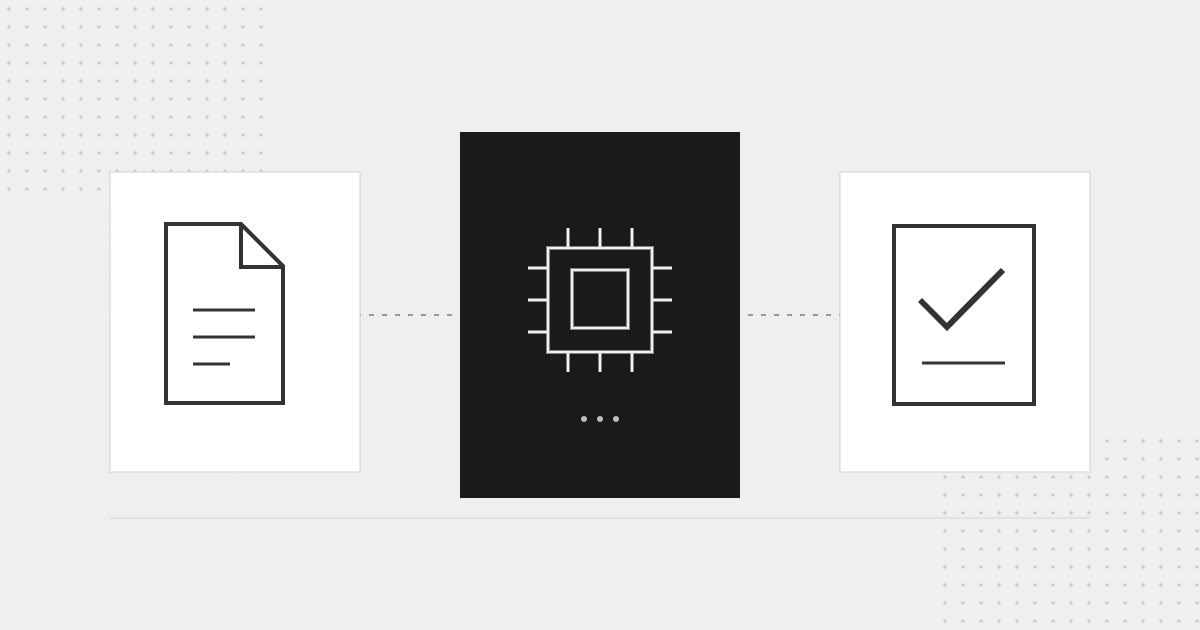
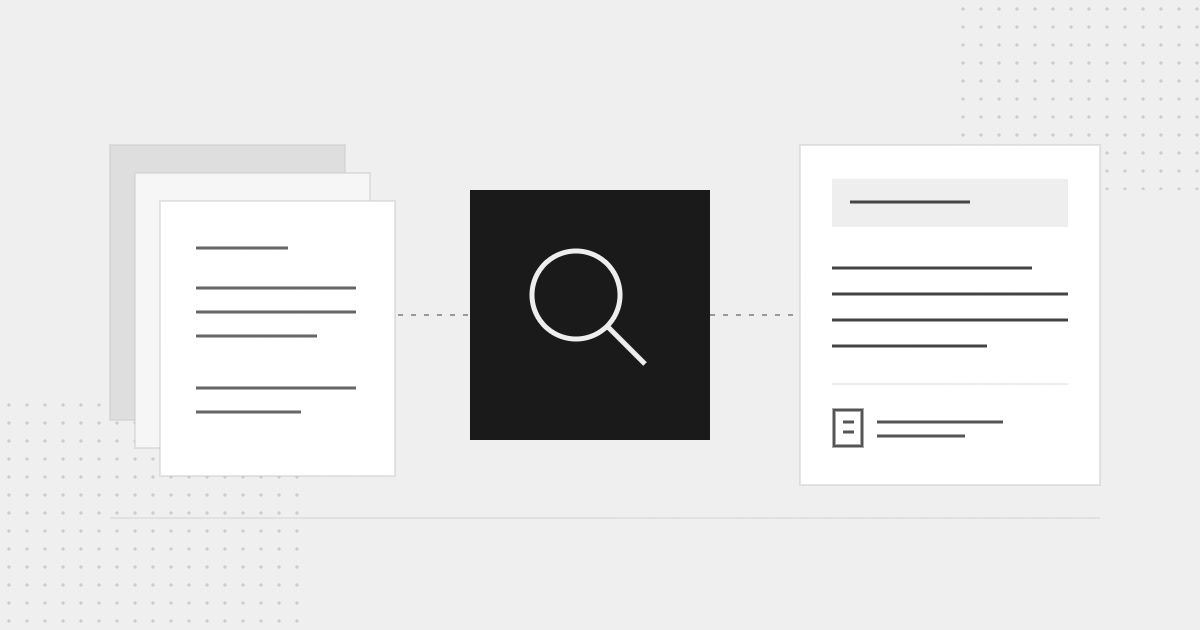
For the assistant discussed here, we would separate the workflow into receiving a question, finding relevant passages and preparing a draft response from them. The employee should also receive links to the documents used, so they can check the wider context.
Calling a system RAG does not establish that it works well with your instructions. A pilot should demonstrate whether it finds the right passage, represents it accurately and stops when a reliable answer is unavailable.
Prepare documents and assign owners
Before development, we suggest making a simple source inventory. For each document, answer a few practical questions:
- Purpose. Which employee questions does this document help answer?
- Version. Is it current or archived? What superseded the previous version?
- Owner. Who approves the content and reports changes?
- Updates. When should a new version become available to the assistant?
For example, if delivery terms change, test both the removal of the old document and the inclusion of its replacement. A successful answer using the original version does not demonstrate how ongoing maintenance will work. This is our suggested test scenario, not a description of a particular client project.

Check permissions before information reaches the model
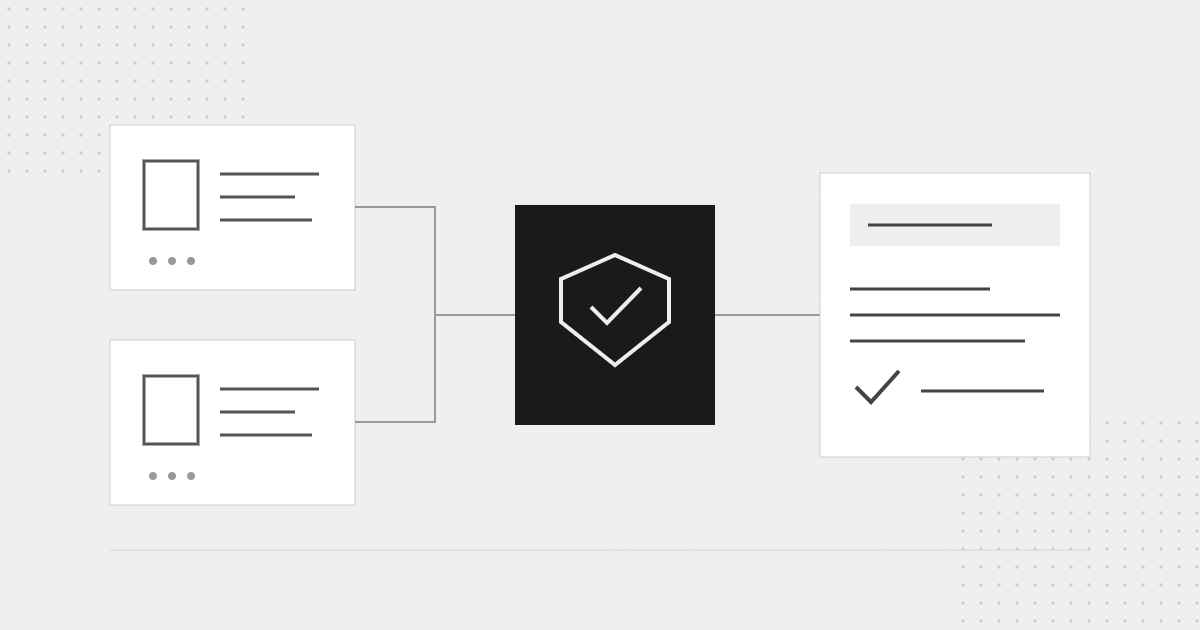
OWASP's 2025 guidance on vector and embedding security discusses information leakage caused by inadequate access controls. It recommends permission-aware retrieval and separation of data intended for different user groups. [2]
For a practical pilot, we would ask the client to prepare two test accounts with different permissions. Signed in to each account, we would ask the assistant the same question about a restricted document. Agree on the expected result beforehand: who may receive information from the document, who may not, and how the restriction should be explained.
Repeat that check after changing a staff member's role or revoking access. Separately agree who may view conversation history and trial responses. These are project decisions, so include them in the brief.
Document content must not become a system command
OWASP's Prompt Injection guidance identifies a risk where text in an external document changes a model's behaviour. RAG alone does not remove it. The guidance also recommends limited permissions and human approval for higher-risk actions. [3]
We would therefore keep the first version focused on finding answers and drafting responses. Sending emails, changing records or approving orders would remain outside this pilot. If those actions become useful later, we would define their conditions and review process separately.
Do not evaluate only straightforward questions. Include a document containing irrelevant instructions, an ambiguous question and a case where sources disagree. The purpose is to reveal limitations as well as successful demonstrations.
Agree on what makes an answer acceptable
We suggest assessing every trial answer against the same short worksheet: whether it uses the current document, whether its claims are supported by that document, whether the source link helps verify them and how much correction a person needed to make.
Include questions for which the documents contain no answer. Define the expected behaviour in advance: ask for clarification, explain the information gap or refer the question to an owner. Not knowing can be the correct outcome when the alternative would be a misleading instruction to an employee.
Choose a topic, prepare approved documents and test permissions, and assign someone to assess answers. Those inputs make it possible to discuss a concrete prototype scope.
Sources and further reading
Numbers in the text refer to the sources below. We distinguish research and technical guidance from our practical recommendations.
- Peer-reviewed researchRetrieval-Augmented Generation for Knowledge-Intensive NLP Tasks
Patrick Lewis, Ethan Perez, Aleksandra Piktus, Fabio Petroni, Vladimir Karpukhin, Naman Goyal, Heinrich Küttler, Mike Lewis, Wen-tau Yih, Tim Rocktäschel, Sebastian Riedel, Douwe Kiela. Advances in Neural Information Processing Systems 33 (NeurIPS), 2020.
Source checked: .
- Institutional guidanceLLM08:2025 Vector and Embedding Weaknesses
OWASP Gen AI Security Project. OWASP Top 10 for LLM Applications, 2025.
Source checked: .
- Institutional guidanceLLM01:2025 Prompt Injection
OWASP Gen AI Security Project. OWASP Top 10 for LLM Applications, 2025.
Source checked: .
Related service
AI integration and automation
AI assistants, document processing and automated tasks within the systems you use.